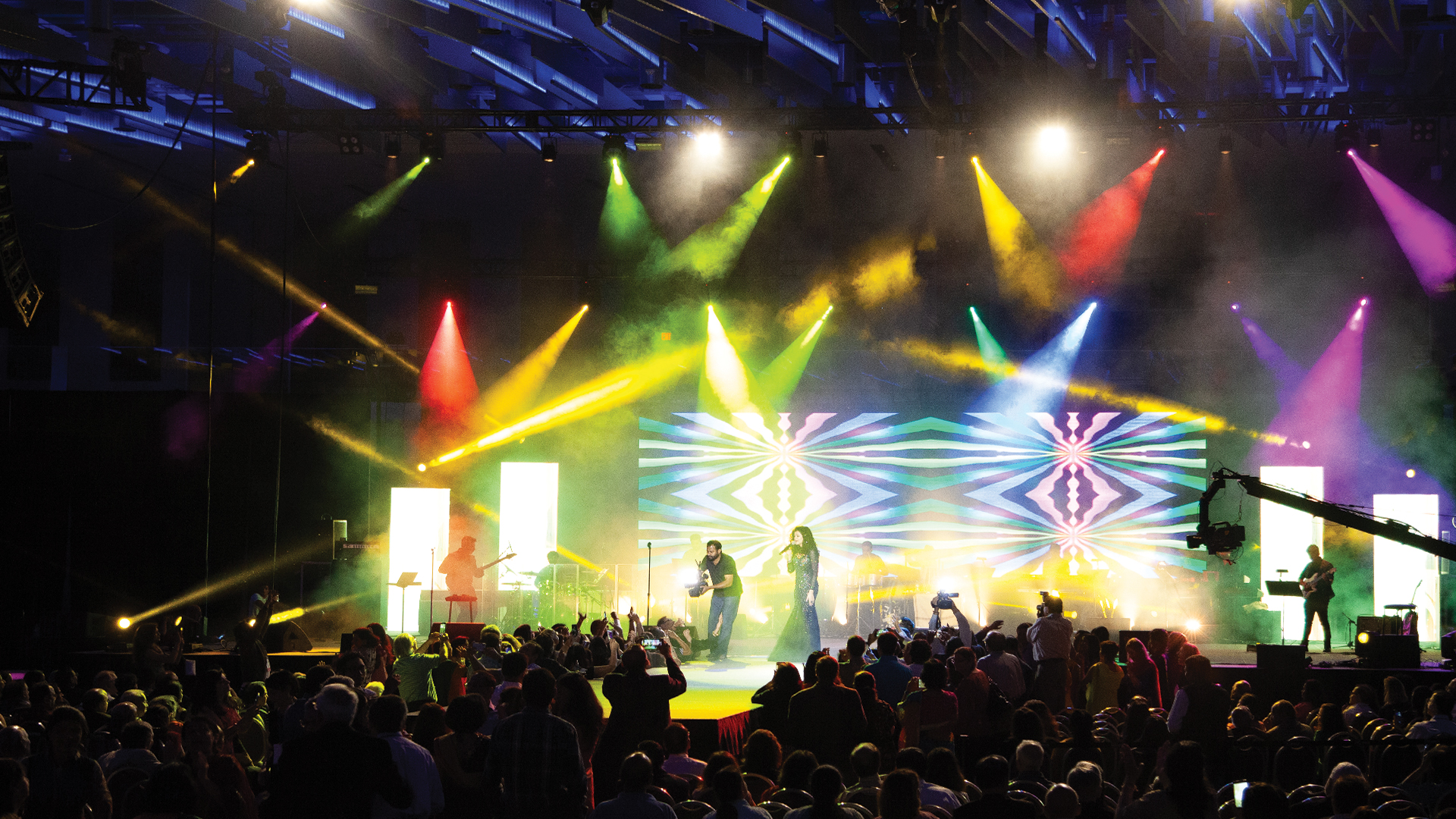
Professional audio and lighting equipment represents a significant investment that can last decades with proper care or fail prematurely without it. Whether you own your gear or rent from production companies, understanding maintenance fundamentals protects that investment and ensures reliable performance when events demand it.
Cleaning Protocols That Prevent Damage
Dust accumulation is the primary enemy of both audio and lighting equipment. For loudspeakers, dust settling on driver cones and grille cloth restricts airflow and can eventually clog ports on bass-reflex designs, reducing low-frequency output. Use a soft brush attachment on a vacuum cleaner set to low suction to remove surface dust from grilles without pushing particles deeper into the cabinet. Avoid compressed air, which can drive dust into voice coil gaps where it causes abrasion and premature wear.
Lighting fixtures require more frequent cleaning due to the heat they generate, which bakes dust onto optical components. For conventional fixtures with halogen or discharge lamps, allow units to cool completely before cleaning. Use lint-free microfiber cloths and optical-grade cleaning solution on lenses and reflectors. Never touch lamp glass with bare fingers, as oils from skin create hot spots that dramatically shorten lamp life. LED fixtures, while cooler running, still benefit from regular cleaning of their optical systems to maintain output and color consistency.
Connector and Cable Maintenance
Audio connections fail more often than the equipment they serve. XLR connectors develop intermittent connections when pins oxidize or become bent. Inspect connectors regularly and clean oxidation with contact cleaner spray and a small brush. DeoxIT or similar products work well for this purpose. Replace any connector showing bent or loose pins, as the cost of a new connector is negligible compared to troubleshooting time during an event.
Power cables require inspection for frayed insulation, damaged plugs, and loose connections at the equipment end. Powercon and similar locking connectors should be checked for proper locking mechanism function. Never force a connector that doesn’t seat properly, and replace cables showing any sign of damage to the outer jacket or exposed conductors. Proper cable rolling using the over-under technique prevents internal conductor fatigue that leads to intermittent failures.
Amplifier Care and Cooling System Maintenance
Power amplifiers generate substantial heat and rely on cooling systems to maintain safe operating temperatures. Fan filters accumulate dust rapidly and should be cleaned or replaced monthly in typical touring applications, more frequently in dusty environments. Clogged filters force fans to work harder while delivering less airflow, leading to thermal shutdown or component failure.
Rack-mounted amplifiers need adequate ventilation space. The common practice of stacking amplifiers directly on top of each other in road cases creates heat buildup that shortens component life. Use vented rack panels between amplifiers and ensure road case designs allow hot air to escape during operation. After events, allow amplifiers to run their cooling fans until they cycle off naturally before cutting power or packing equipment.
Moving Light Service Requirements
Automated lighting fixtures contain precision mechanical components that require periodic service beyond basic cleaning. Pan and tilt motors, gobo wheels, color wheels, and focus mechanisms all have service intervals specified by manufacturers. Most moving lights include hour counters accessible through onboard menus that track actual operating time.
At 500 to 1,000 hours of operation, moving lights typically need belt inspection on belt-driven axis systems, lubrication of mechanical components with manufacturer-specified grease, and inspection of cooling fans. At 2,000 to 3,000 hours, comprehensive service including replacement of wear items becomes necessary. Ignoring these intervals leads to unexpected failures during events when stresses on mechanical systems are highest.
Loudspeaker Driver and Crossover Health
Loudspeaker drivers can develop problems that gradually worsen if not caught early. Listen for buzzing, rattling, or distortion at moderate volumes, which can indicate loose voice coils, torn surrounds, or debris in the motor assembly. Gently pressing on the cone should produce smooth, quiet travel without scraping sounds. Any mechanical noise during cone travel indicates a driver requiring service or replacement.
Passive crossover components are generally reliable but can be damaged by excessive power or DC fault conditions. If a multi-way speaker sounds abnormally bright or dull, the crossover may have failed capacitors or burnt inductors. Crossover problems often affect only certain frequency ranges, making a single driver appear defective when the actual issue is in the crossover network. Testing with known-good drivers can help isolate crossover problems.
Environmental Protection During Storage
Temperature and humidity extremes cause more equipment damage during storage than actual use. Avoid storing gear in unconditioned spaces like warehouses, garages, or shipping containers where temperatures can exceed 100°F in summer or drop below freezing in winter. Capacitors in power supplies and amplifiers degrade faster at high temperatures, while cold temperatures can crack plastic components and cause adhesives to fail.
Humidity above 60 percent promotes corrosion on circuit boards, connectors, and metal chassis. Humidity below 30 percent can dry out rubber surrounds on loudspeaker drivers, leading to cracking. Climate-controlled storage between 60°F and 80°F with 40 to 50 percent relative humidity provides ideal conditions. For equipment stored in cases, silica gel packs help maintain appropriate humidity levels during transit and storage in less controlled environments.
Firmware Updates and Digital System Maintenance
Modern PA systems and lighting fixtures incorporate sophisticated digital processing that manufacturers improve through firmware updates. These updates can fix bugs, add features, and improve performance, but they also carry risks if applied improperly. Always read release notes completely before updating, maintain backups of current firmware when possible, and avoid updating equipment immediately before critical events.
Digital mixing consoles and lighting controllers store show files, configurations, and custom programming that can be lost during firmware updates or equipment failures. Implement regular backup procedures for all programmable devices. Store backups on multiple media and in multiple locations. Test restoration procedures periodically to ensure backups are actually usable when needed.
Battery Maintenance in Wireless Systems
Wireless microphone and in-ear monitor systems rely on batteries that require specific handling. For rechargeable systems, follow manufacturer guidelines for charge cycles and conditioning. Lithium-ion batteries prefer partial discharge cycles over full discharge and should not be stored fully depleted. Replace rechargeable batteries showing reduced runtime, typically after 300 to 500 charge cycles.
Single-use alkaline batteries should be removed from transmitters and receivers during storage to prevent leakage that corrodes battery contacts. When leakage occurs, clean contacts with white vinegar and a cotton swab, then apply contact enhancer after the vinegar dries completely. Badly corroded contacts may require professional service or contact replacement.
Developing a Maintenance Schedule
Systematic maintenance catches problems before they cause event failures. Create a spreadsheet or database tracking each piece of equipment with purchase date, serial number, service history, and upcoming service dates. Log any issues observed during use, even minor ones, as patterns often emerge that predict larger failures.
Before each event, perform a thorough checkout of all equipment that will be deployed. After events, note any items requiring attention before the next use. Quarterly, schedule deeper cleaning and inspection. Annually, have specialized equipment like moving lights, line arrays, and digital consoles serviced by manufacturer-authorized technicians who can perform comprehensive testing and calibration.
Knowing When Professional Service Is Needed
Some maintenance tasks require specialized tools, training, or parts only available through authorized service centers. High-voltage components in amplifiers and discharge lamp fixtures present safety hazards to untrained personnel. Loudspeaker driver reconing requires specific adhesives, fixtures, and expertise. Moving light motor replacement often requires calibration procedures only possible with manufacturer diagnostic tools.
Attempting repairs beyond your expertise can void warranties, create safety hazards, and cost more than professional service when mistakes require additional repairs. Build relationships with qualified service providers before equipment fails. Knowing who to call when problems arise reduces downtime and ensures repairs are completed correctly.
Consistent maintenance extends equipment life, reduces unexpected failures, and protects the investment in professional AV gear. The time spent on regular care pays dividends through reliable performance when events demand it most.
